Level:
All Levels

Length:

2 hrs
Lectures:
20

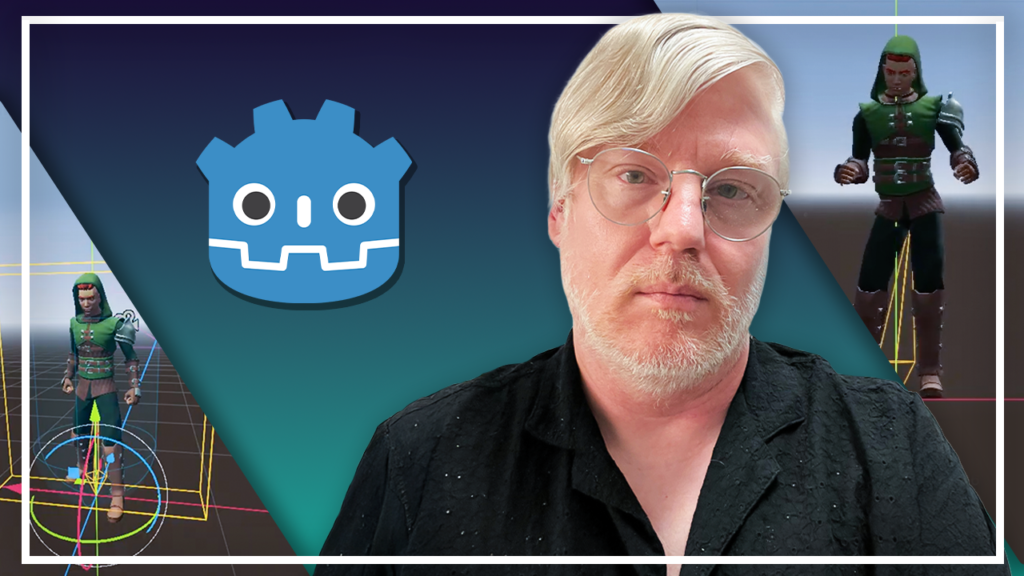
Complete Godot 3D Character Controller Course

Learn Godot by building a complete third-person character controller with movement, animations, cameras, and game-ready mechanics.

What You'll Learn

30 Day Money-Back Guarantee

100% refund, no questions asked.

Lifetime Access

Access your content on any device, at any time.

Teaching Support

Never get stuck with our teaching assistants on call.

About The Course

Build one of the most essential systems in any 3D game – a professional third-person character controller.

Whether you’re creating an action game, adventure game, platformer, RPG, or survival game, nearly every 3D project starts with one core feature: a responsive player controller. In this hands-on course, you’ll learn exactly how to build one from scratch using the Godot Engine.

Instead of learning isolated features, you’ll follow a complete project from beginning to end while discovering the workflows used by professional game developers.
You’ll begin by setting up Godot, exploring its interface, and creating your first project. From there, you’ll build a player scene, create a simple test environment, and understand how collision layers and masks allow objects to interact correctly.

Next, you’ll implement the core movement system. You’ll learn how input actions work, understand vectors and velocity, create smooth player movement, add gravity and jumping, implement sprinting, and even support game controllers with joypad integration.

Once the gameplay is working, you’ll build a third-person camera system that follows the player naturally, providing the foundation used by countless modern games.

After that, you’ll import and prepare a fully animated character before diving into Godot’s animation tools. You’ll create idle, walking, running, jumping, and falling animations, then take things further using AnimationTree, state machines, and animation blending to build smooth, responsive character movement.

Finally, you’ll polish your controller by refactoring your movement code and learn how to create your own character variants using Mixamo, giving you the skills to expand the project into your own games.

By the end of the course, you’ll have built a complete third-person character controller that can serve as the foundation for your future Godot projects.
Godot Character Controller V1

Curriculum

Introduction: What You’ll Build | 01:16

Installing Godot & Creating Your Project | 02:10

Understanding the Godot Interface | 03:20

Creating the Player Scene | 04:35

Building a Simple Test Environment | 03:03

Collision Layers and Masks Explained | 04:37

Input Actions and Movement Controls | 10:49

Understanding Velocity and Vectors | 02:09

Gravity and Jumping | 03:37

Sprinting and Joypad Integration | 01:59

Building a Basic Camera Rig | 08:40

Building Our Character | 07:17

AnimationPlayer Basics: Idling, Walking, and Running | 05:12

Adding Jump and Fall Animations | 01:50

Introduction to AnimationTree | 05:17

State Machines | 08:51

Blending Animations | 04:10

Refactoring Player Movement | 04:53

Create Your Own Character Variants Using Mixamo | 03:13

Last Words | 00:35

Untitled 800 x 800 px 4
Over 320,000 happy students
Students worldwide
1 K+
Countries & Locations
1 +
Positive Reviews
1 K+

Related Courses